Tips
5 Grok Bot pro tips that actually change how you use it
Key takeaways
- Grok Bot works best as a small team of specialists, not one mega-Bot that does everything.
- Teach by demonstration once, then reuse the routine. Do not re-explain the same workflow every day.
- Put hard approval gates on anything that sends mail, spends money, or changes production data.
- Let Bots ask each other for context instead of pasting the same brief into every new Bot.
- This is not the same product as Grok chat. Bot is the always-on teammate app.
Table of contents
- Tip 1: One job per Bot
- Tip 2: Teach by demo
- Tip 3: Write the stop condition
- Tip 4: Bot-to-Bot handoffs
- Tip 5: Stop micromanaging after week one
- FAQ
Tip 1: One job per Bot
Name Bots by durable jobs: "Outbound drafts", "CRM hygiene", "Invoice triage", "Bug repro". SpaceXAI's own launch examples are lane-based for a reason. A single Bot with five unrelated missions becomes a confused intern.
Tip 2: Teach by demo
When you do a workflow for the first time, ask the Bot to watch and save it as a routine. Correct it once in place. The next run should need far less prompting. This is the product's main learning loop, not a nice-to-have.
Tip 3: Write the stop condition
In the first message, say what "done" looks like and what must wait for you: "Draft only. Do not send. Stop if the CRM contact is missing an email." Always-on agents without stop conditions create expensive surprises.
Tip 4: Bot-to-Bot handoffs
When you spin up a new specialist, tell it to ask an existing Bot what is already done instead of dumping your entire company history into the prompt. Parallel Bots that share context are the point of the product.
Tip 5: Stop micromanaging after week one
Check early. Then widen the leash. Launch coverage and early user quotes describe the same failure mode: people refresh every 15 minutes and train the Bot to ask permission for everything. Set a review cadence (morning queue, end-of-day summary) instead of live babysitting.
3 curated tools below.

Cursor Ai
Cursor is an AI-native code editor (VS Code fork) for software developers. Agent mode plans and edits across your repo with frontier models (GPT, Claude, Gemini, and others). Tab completions stay unlimited on paid plans; agent and premium model use is metered. Use Cursor when you want full-repo context inside the editor. Prefer GitHub Copilot when PR review and GitHub-native seats matter more. Many teams run both.

Grok
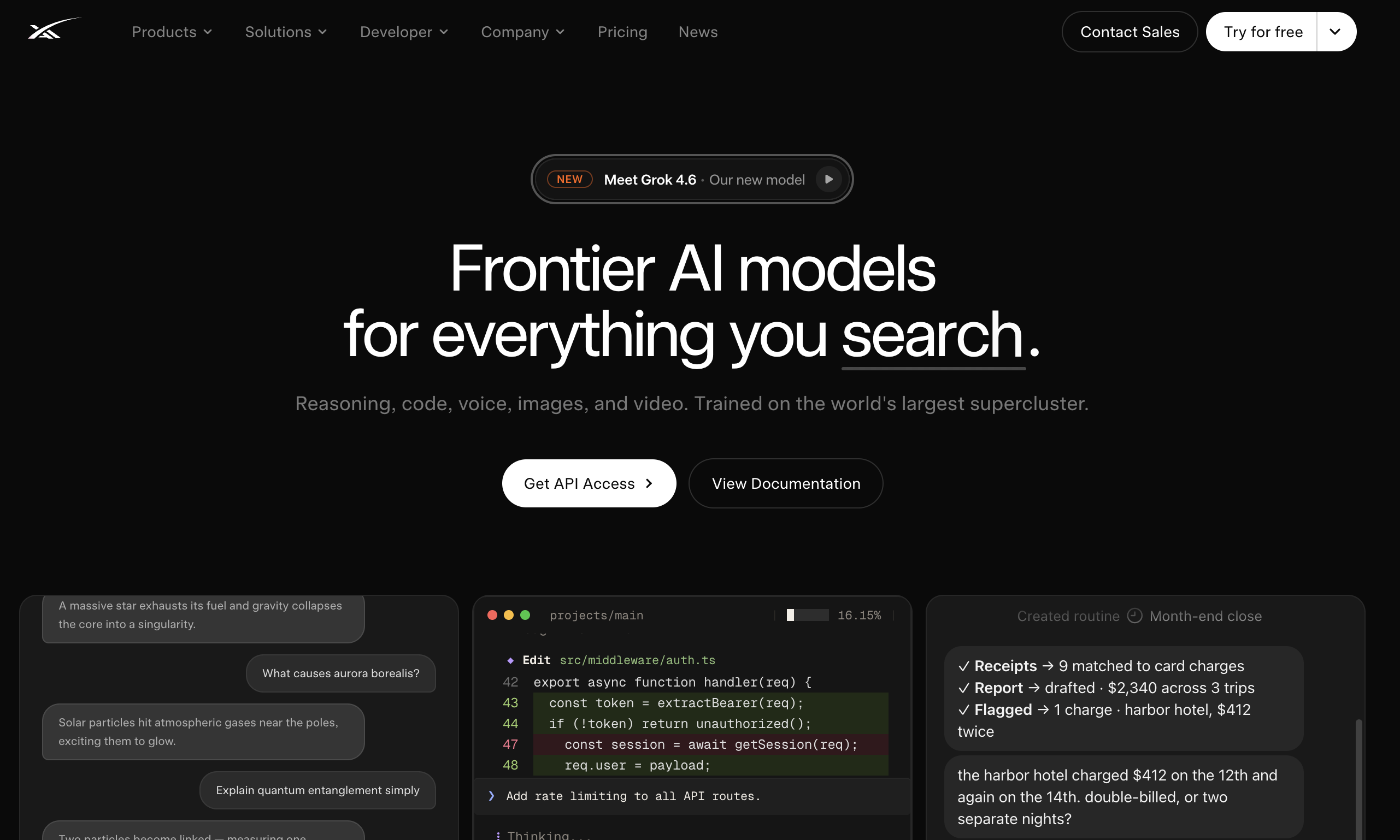
Grok is a real-time, live-data AI assistant built into X that is best for news junkies, crypto traders, and creators who need up-to-the-second global trends, unfiltered image generation, and native slide-deck creation.

Grok Bot
Grok Bot is SpaceXAI's early-beta product for always-on AI teammates. Each Bot gets its own cloud computer, signs into the same apps and websites a human would use, finishes multi-step jobs end to end, and only pings you when something needs approval. Teams can run many Bots in parallel, teach workflows by demonstration, and message Bots from desktop or iOS like colleagues.
| Tool | Best for | Pricing | Billing note |
|---|---|---|---|
| Cursor Ai | Code | Freemium | Free Trial |
| Grok | Social Media Assistant | Freemium | Free Trial |
| Grok Bot | AI Agent | Freemium | Free Trial |
Frequently asked questions
Do I need SuperGrok Heavy to use these tips?
You need an eligible plan: SuperGrok Heavy, [Cursor](/tool/cursor-ai) Ultra, or Cursor Teams Premium. Free Grok and standard SuperGrok do not include Bot access as of August 2026.
Are these tips different from ChatGPT agent tips?
The teach-by-demo and multi-Bot patterns are specific to Grok Bot's product shape. Approval gates apply to any computer-use agent, including Claude Cowork.